To install our Lemo IPTV app on Android devices such as Firestick, Google TV and Android boxes you have 2 options. Follow installation instructions below.
Note: A minimum internet speed of 50 mbps is recommended. If you are experiencing constant buffering issues on certain channels we recommend using a VPN as your ISP may be throttling your connection. For troubleshooting tips please visit our support page.
1) Free Lemo App
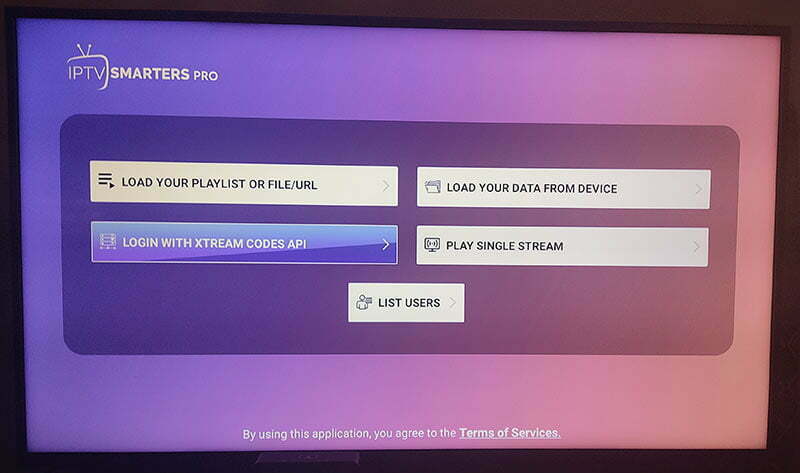
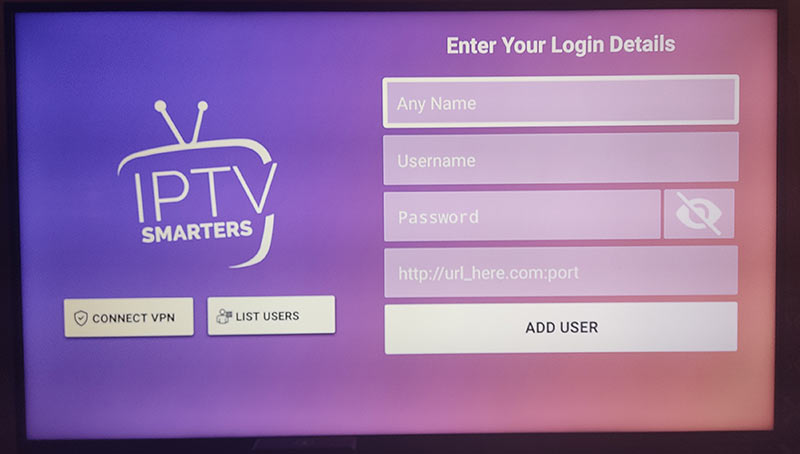
2)IPTV Smarters Pro App
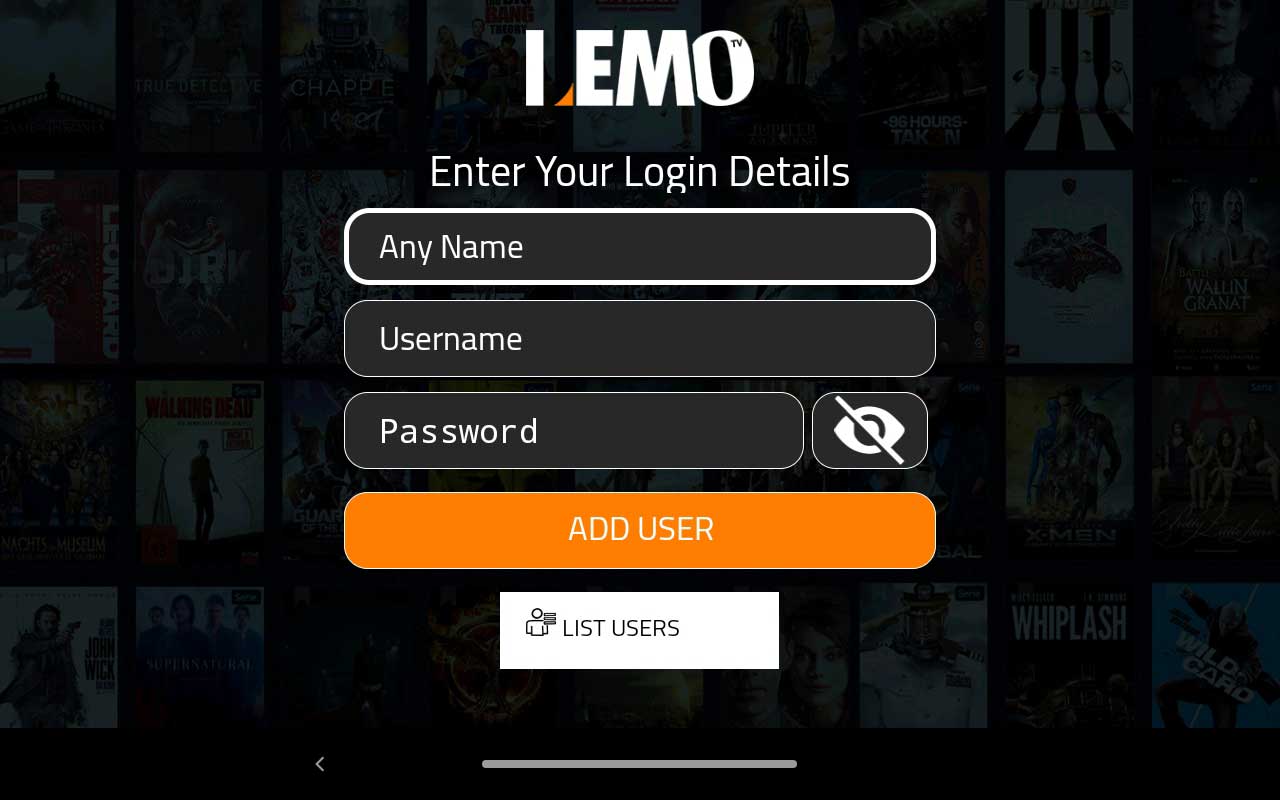
1) To install our free Lemo Android app. On your device download https://lemoiptv.xyz/lemo.apk Install and open the Lemo app. You can use the Downloader tool to do this. (Make sure Apps from Unknown Sources is turned ON) Enter Lemo in the Any Name field and enter your username and password in the email sent to you. Click Add User. You may need to wait a few minutes for the channels to download.
2) To install IPTV Smarters Pro app download on your device https://lemoiptv.xyz/smarters.apk Install and Open the Smarters Pro IPTV app. Note this is a paid app and can cost you just a few dollars.